Event Photos & Galleries

Your event. Your brand.
Everyone's moments.

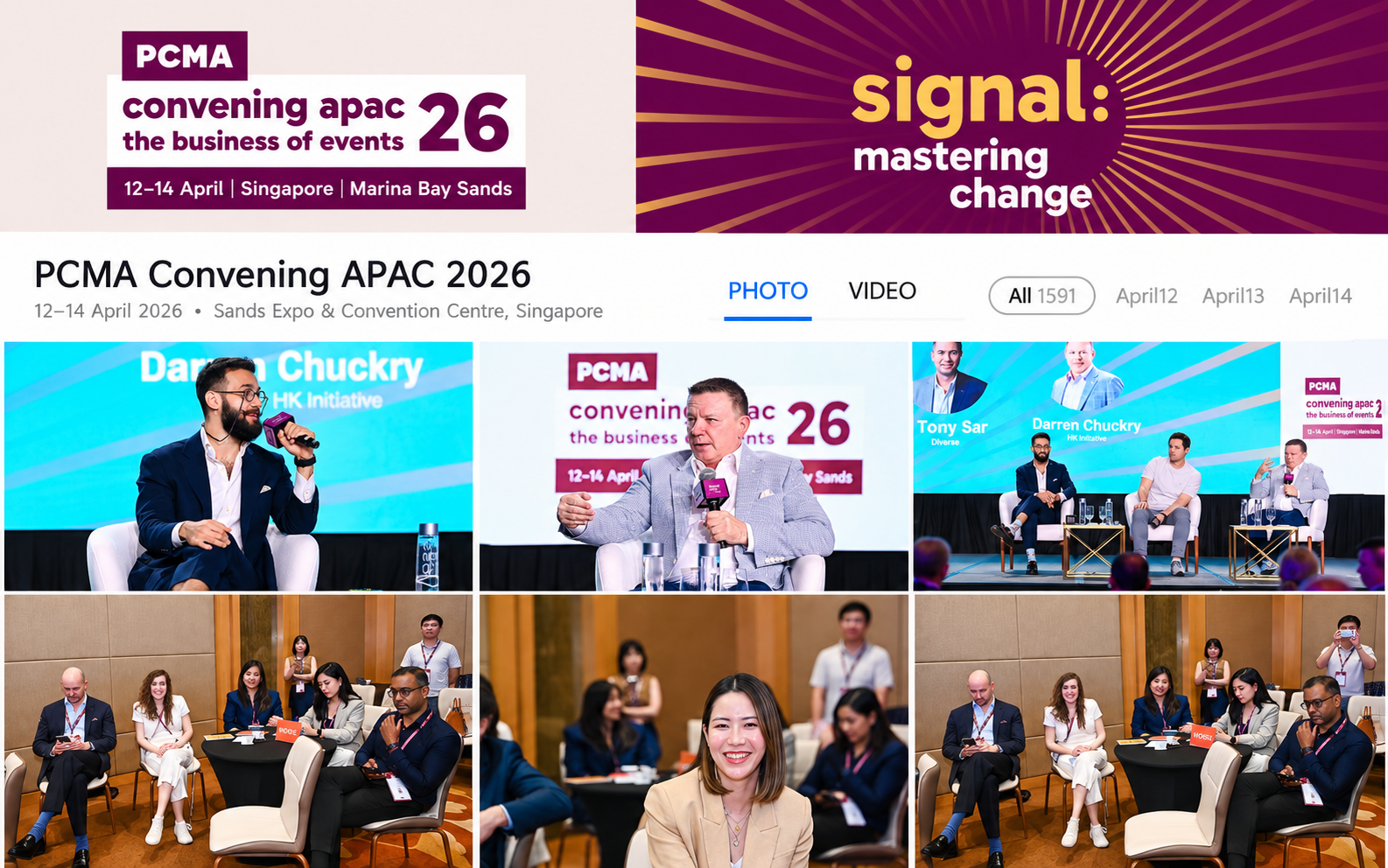
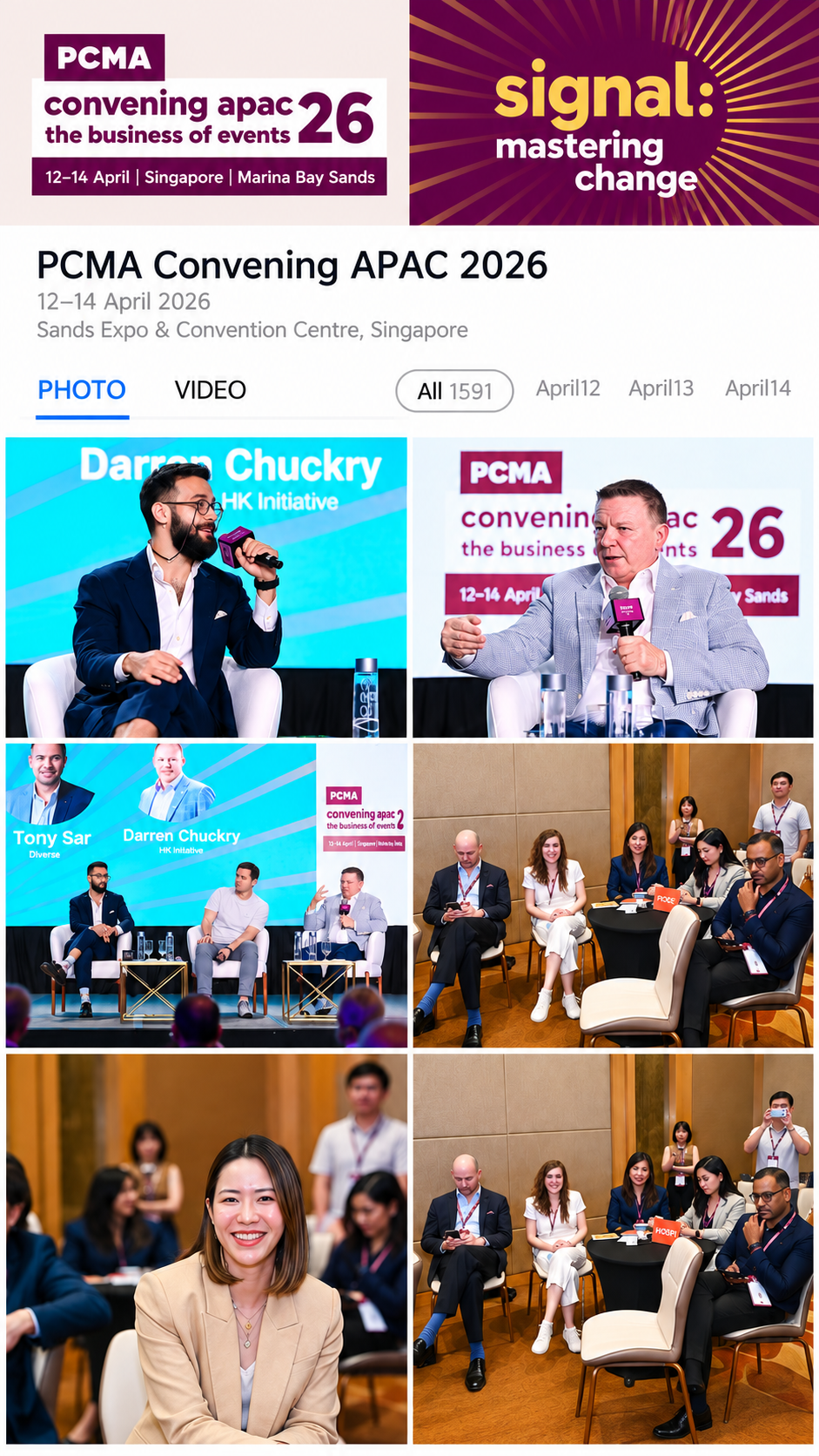
Selected, enhanced event photos in a branded gallery—easy to find, review and share.

Professional photography. AI efficiency. Human review.

EPG-013:2 · 1600×1067px

Selected with purpose. Enhanced with care.

📅

Agenda-led selection

Key speakers, important moments, interactions and event atmosphere.

✨

Natural enhancement

Exposure, color and framing, while keeping the moment authentic.

👥

Professional review

Quality, relevance and coverage checked before delivery.

Your agenda and brief guide the selection.

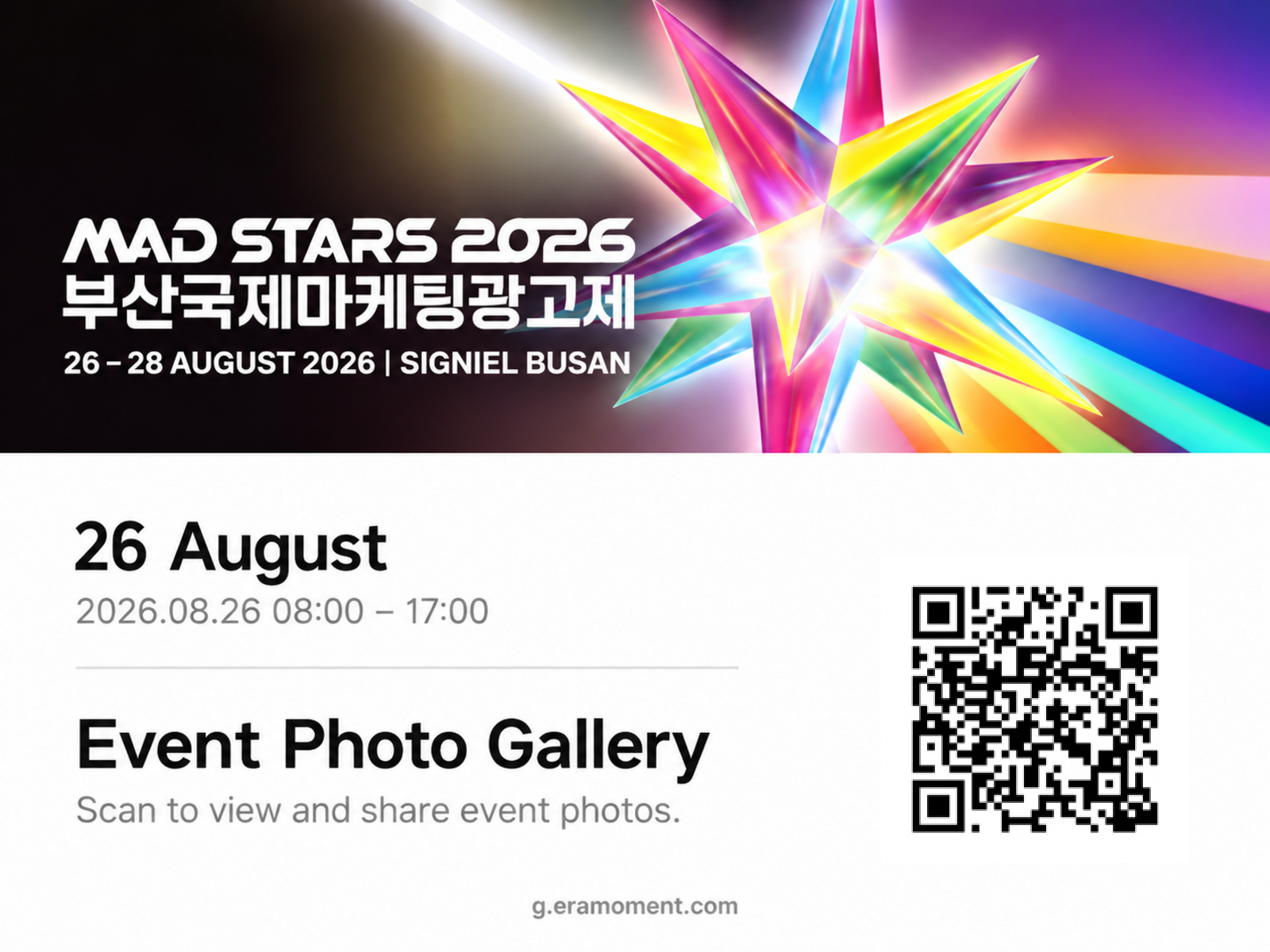
Every shared photo can carry your brand.

Add organizer and sponsor logos, plus an optional QR code linking to your event information.

Brand overlays and their placement are agreed before the event.

EPG-044:3 · 1600×1200px

Easy for participants. Controlled by organizers.

🔍

Find your photos

Optional AI face matching helps participants locate their own photos. Organizers can enable or disable it.

🔗

Share to social platforms

Start sharing from the gallery using the supported sharing options.

🛡️

Review before publishing

Authorized reviewers can approve photos before release.

🗑️

Hide or remove photos

Gallery owners control which images remain visible.

📲

Open with a link or QR code

Participants view the web gallery without downloading an app.

⬇️

Download approved photos

Make selected images easy to access and use.

Gallery access is subject to the permissions set by the organizer. Sharing options vary by platform and device.

Live or after the event. Your choice.

EPG-05460:125 · 1600×435px

Live Photo

  1. Capture & upload
    Your photographer uses the ERA app or uploads by phone during breaks.
  2. Process & review
    Photos are selected, enhanced and reviewed according to your setup.
  3. Scan & share
    Participants scan the gallery QR code to see newly published photos.
EPG-06460:125 · 1600×435px

After-Event Gallery

  1. Upload after the event
    Your capture team submits the material.
  2. Review & publish
    ERA processes the photos and your authorized reviewer approves release.
  3. Send the link
    Share the gallery link or QR code by email, messaging or other event channels.

Live galleries update as photos are uploaded, processed and approved. Timing depends on connectivity and review settings.

One gallery QR code. Many ways to connect.

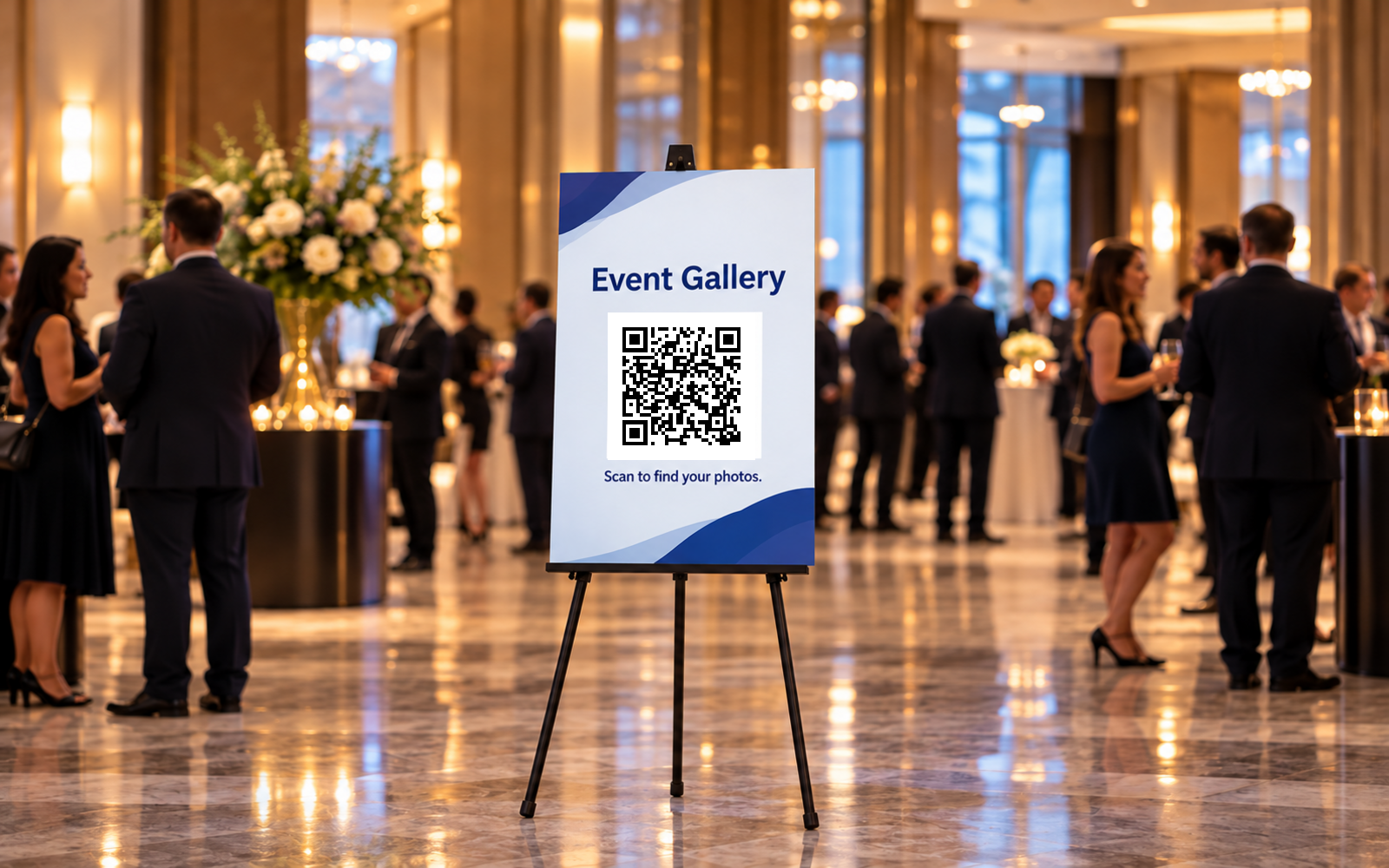
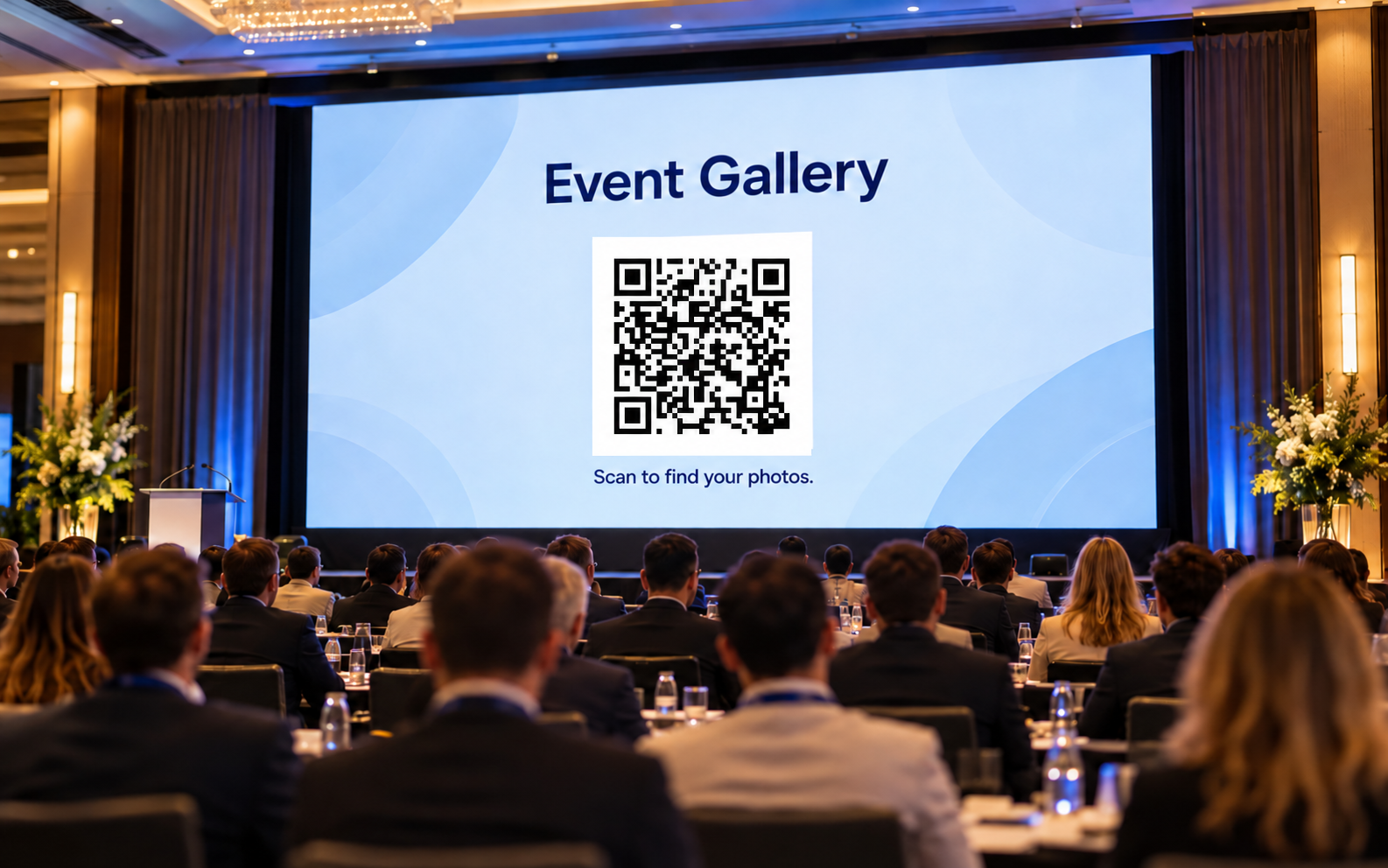
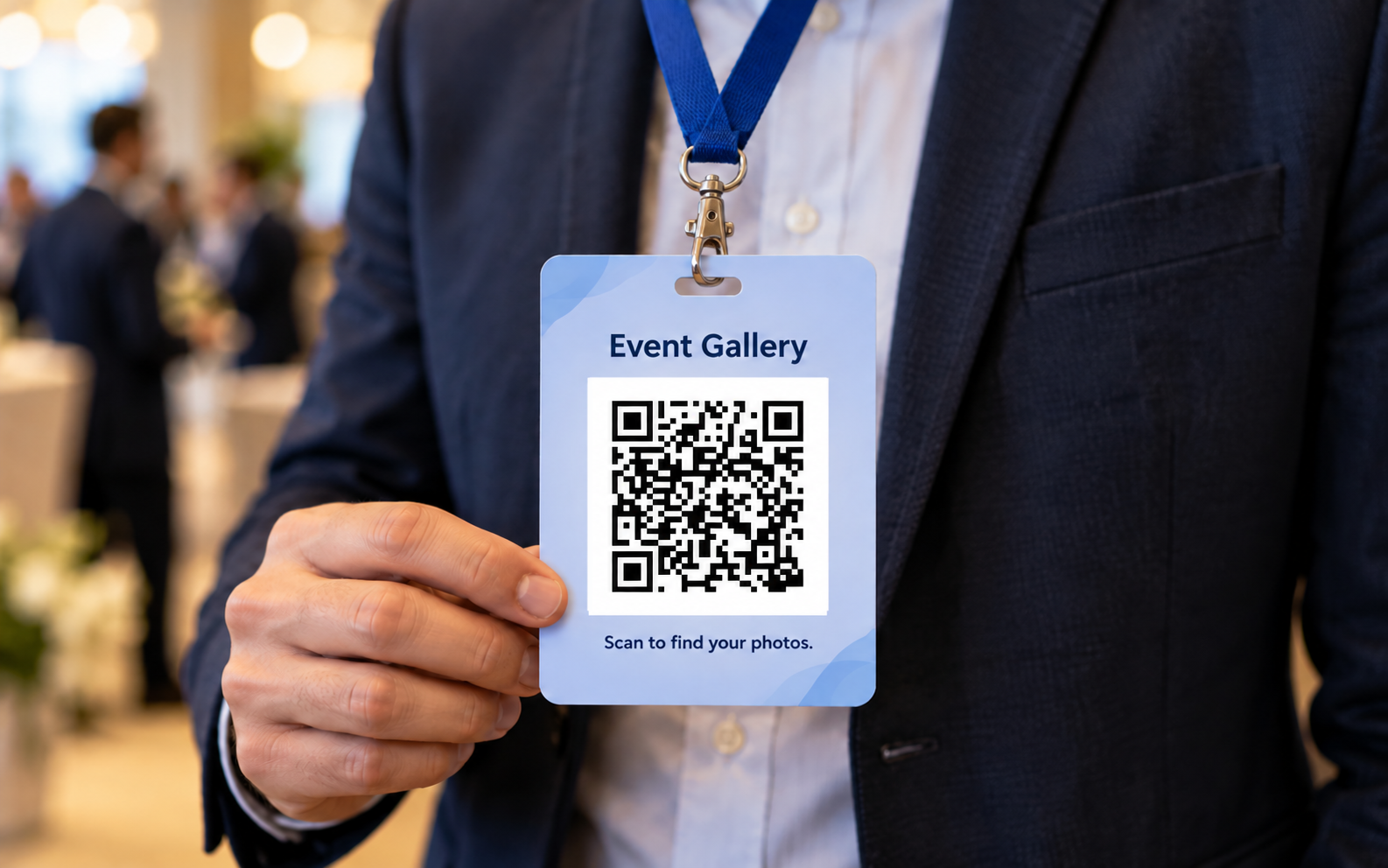
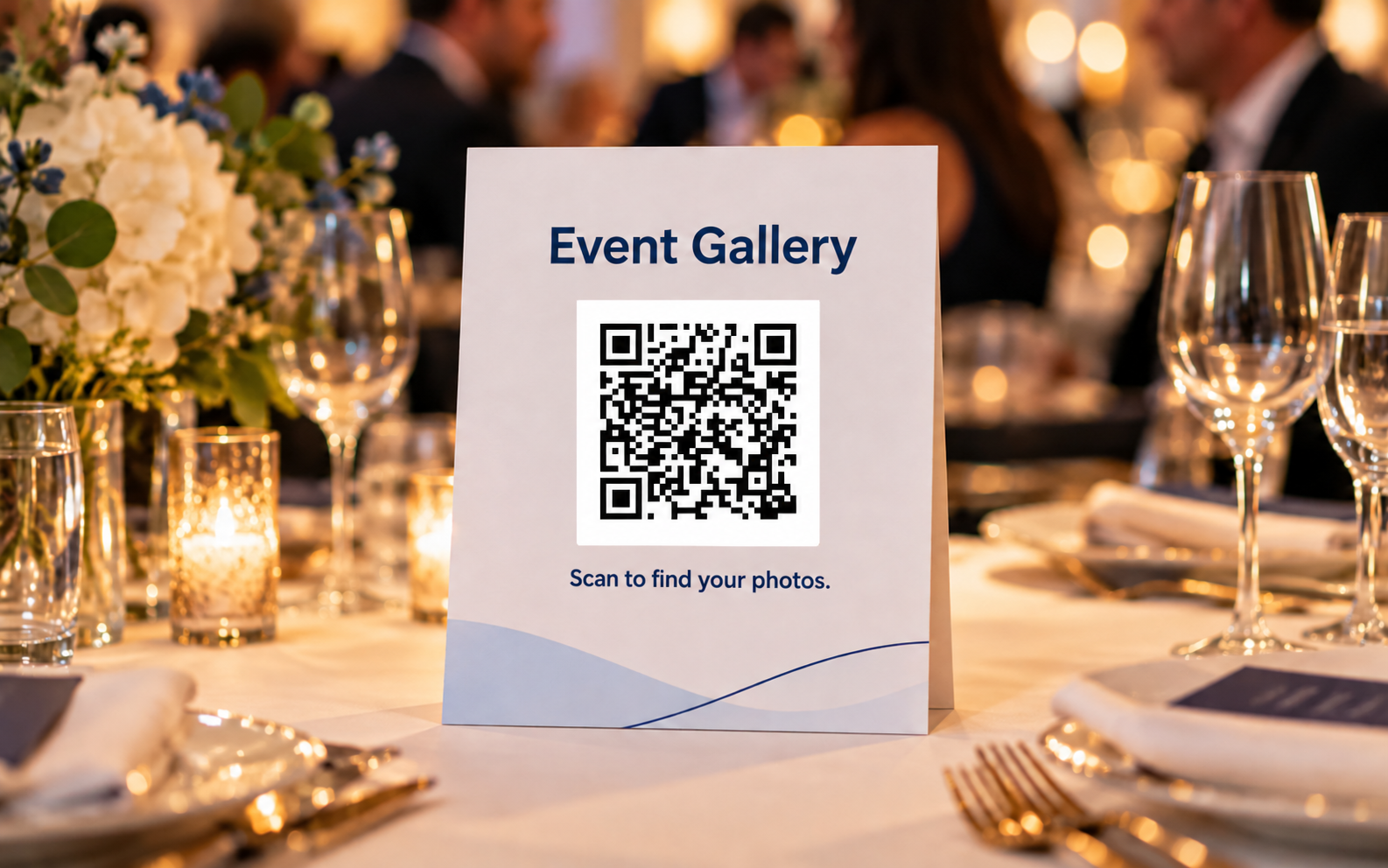
Place your gallery QR code wherever participants can easily scan it.

EPG-0716:10 · 1600×1000px

At the entrance

EPG-0816:10 · 1600×1000px

On venue screens

EPG-0916:10 · 1600×1000px

On badges

EPG-1016:10 · 1600×1000px

On event materials

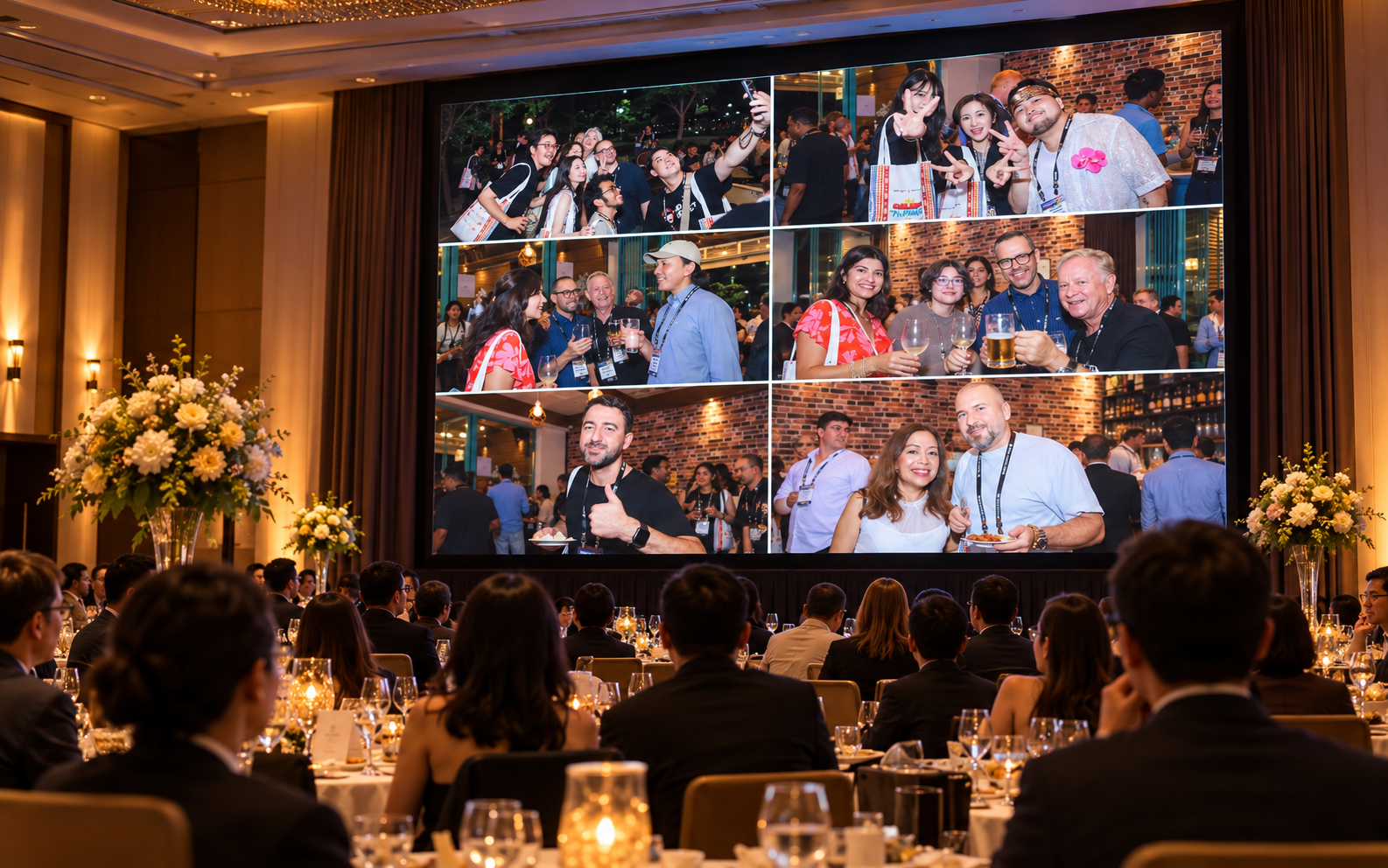
From the gallery to the big screen.

Bring approved photos onto venue screens between sessions, before dinner or throughout the event.

  • 📷Celebrate shared moments
  • 🎉Keep the event atmosphere alive
  • 💻Invite participants to view and share
EPG-1116:10 · 1600×1000px
Frequently asked questions

Frequently asked questions.

[Answer — 待Joey提供]

[Answer — 待Joey提供]

[Answer — 待Joey提供]

More questions →

Help people find their moments.
Give them a reason to share.

Tell us about your event, photography team and gallery needs.

Request a Proposal Explore Enterprise Solutions →